BioBooksAwardsComing NextContactBlogFun StuffHome
Showing posts with label iPad. Show all posts

Tuesday, October 01, 2019

Upgrade

***I received no compensation of any kind for this post. Thoughts are all my own***

This spring, I finally bought a new iPad. It was something I'd been meaning to do for a while, but had put it off until my old iPad was so decrepit, I basically used it for reading ebooks in bed and not much else. In fact, I do so much on my phone, I wondered if I even needed another one.

But I was intrigued by the pencil function and the idea of writing notes electronically was compelling. Like I needed another place to make notes. :-( As an aside, one of my biggest problems is jumping from system to system. I know I'm missing notes for Wicked Intention that I made years ago. This realization didn't stop me from making notes in one of my new apps for the book. :-(

The other compelling reason was there were things I liked to do while I watched TV, but my laptop is 17 inches and it's heavy to sit with it on my lap. Plus the cord and the cooling pad. Yeah, if I could use the iPad as a laptop replacement for home use (Not writing) that would be worth it. So I jumped.

Seven years ago, when I bought my only other iPad, I upgraded to the top memory and paid an arm and a leg. This time, the beginning memory was (I believe) double what I had way back when. I picked up the iPad Pro, BTW. I wanted full functionality.

This new tablet made me fall in love with the iPad all over again.The magic was back!

I have an app to write notes in that I love. I have another app that converts handwritten notes to text. (It's convenient, but I prefer the first app.) I can play games while I watch television at the end of the day. I subscribed to the New York Times crossword puzzles! I blogged earlier about digital planning which failed the way I expected it to, but would have been cool if I could have made it work. I also do research for my stories in front of the television and some other writing related things. There are so many more possibilities than with my old, tired iPad.

There are some things I don't love--Face ID, for one. Although I'm not sure that the fingerprint reader would be any better. Maybe I should just go 100% to the passcode, but I'm not excited about that option either.

After the new iPad OS has been released for a while and the bugs have been worked out, I'll upgrade to that and maybe some of my peeves will go away. (Not face ID, but other things.)

Anyway, I'm glad I spent the money and I am getting my use out of the new tablet. I'm also glad I waited until the pencil charging was improved. I'm definitely getting my use out of it.

Thursday, August 08, 2019

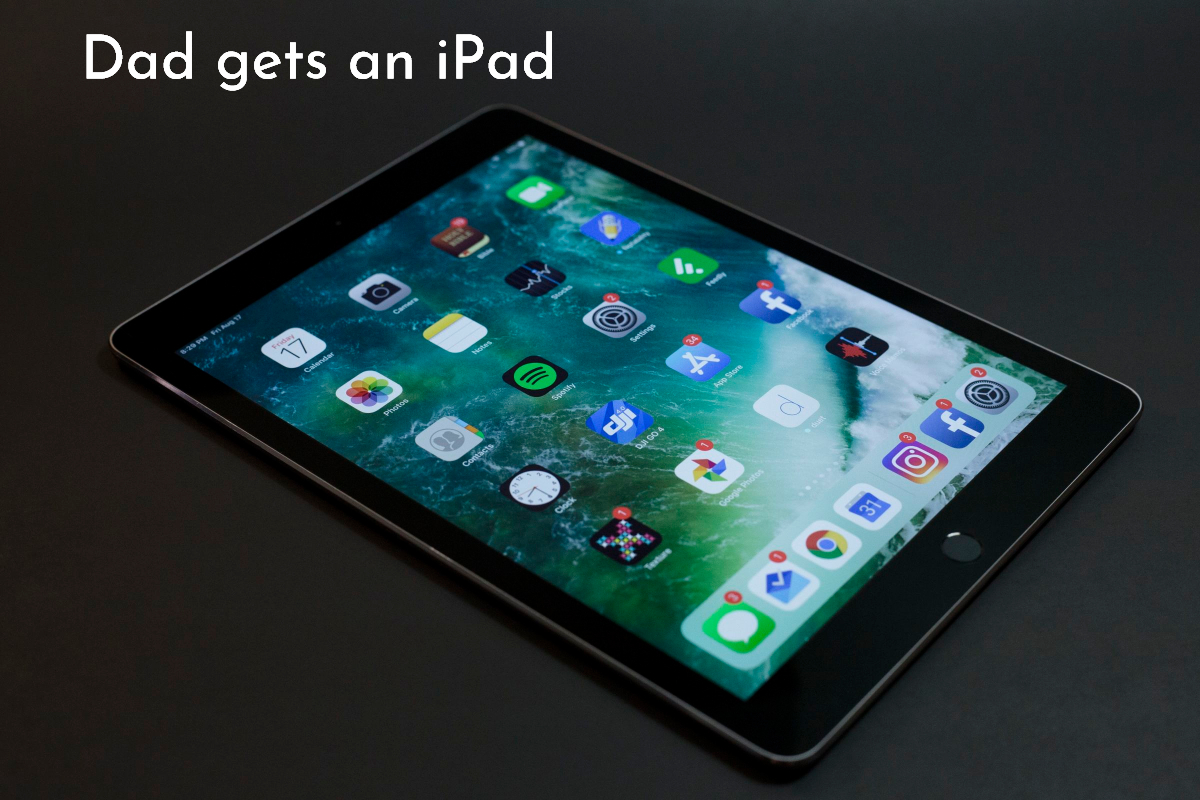
My Dad Gets an iPad

My dad doesn't handle technology well. He didn't grow up with it and really has no desire to learn, but his friend convinced him to get an iPad. This has been both good and bad.


The good:
  • My dad doesn't drive any longer and he's home alone all day. This gives him contact with the outside world.
  • Not only can he read the news, but he gets emails from my cousins with pictures of their children and he loves this. He also sends short emails to friends and family.
  • It allows me to text him from work because I have an iPhone and iMessage works between Apple devices. My dad's hearing isn't the best so this allows me to tell him something quick without having to shout on the phone while I'm at work.
The not so good:
  • Even after months and months, my dad still makes the same mistakes, and although I've shown him over and over and over again how to fix them, he still brings the iPad to me.
  • He uses a stylus. This by itself wouldn't be bad, but it makes a loud clatter every time he puts it down and he puts it down a lot. Which drives me crazy because he moved in with me after my mom died and that noise is super annoying.
  • He wants to share every word of every email or message he receives with me. It doesn't matter if I'm busy, he'll rush in to tell me someone message him. "John told me hi and asked how I was doing."  Sigh.
  • This ties back to item one--I am tech support. 24/7 tech support.
  • He hasn't figured out how to use the home button, making Touch ID impossible because he holds it so long, Siri always pops up. I wish we'd waited until Face ID was available and bought him that version of the iPad instead.
Despite the lengthy list of negatives, it's still been really good for him. I just wish more people he knows had iPhones because it's much easier for my dad to message someone than to email. For some reason, messaging makes more sense to him. But because he doesn't have a phone number, he's limited to iMessage which only works between Apple devices.

Overall, I'll call it a win for him, although not so much for me. :-)

Thursday, August 15, 2013

My Favorite iPad Reading App


The following is my opinion, no company or product mentioned in this post gave me any kind of compensation and everything I talk about was either purchased by me for me or freely available to anyone and everyone.

Now that I'm reading on my iPad instead of on a dedicated eReader, I'm enjoying ebooks more. I know, the eInk is supposed to be just like reading a book, but I actually prefer a backlit screen. Maybe I've spent a few too many years working and reading on a computer.  The retina display on the iPad makes it easy for me to read for long stretches because of how clear the text is.

I'd been a Kindle user before this, starting with the K2 and moving to the Fire, and I continued using the Kindle app for a while before it dawned on me that I wasn't tied to one ebook seller any longer. With that big duh finally registering, I downloaded the Nook and Kobo apps as well.

I absolutely fell in love with Kobo's iPad app (free in the iTunes store). It was simple and intuitive for me to use and didn't leave me with the minor frustration that I felt with other apps. The most awesome part, though, is it moves books you've finished reading to another tab, letting you only look at books you've yet to finish. ::LOVE:: It also has a section for books I've started to read, but have yet to finish, and (of course) the screen where it shows all your books—read and unread, finished and unfinished.

The icing on the cake is the fun aspects of the app. If the reader allows it, the app will show you who else is reading the same book you are. There's also an option to share on Facebook and (I believe) to discuss the book with other readers. I opted for privacy, so I'm not hooked up to my FB account nor am I sharing what I'm reading.

The other fun thing is the badges. The Kobo reader gives you awards when you hit certain milestones like finishing a book or reading for so many hours.

Kobo has an annoying problem, though. Well, two actually. The first one is that the ebooks have to be purchased one at a time. There is no way to buy multiple books at the same time.

The second annoyance is a big one. Kobo will NOT allow you to return any book, even if you bought it minutes earlier. Amazon lets you return Kindle books, and when I accidentally bought a book there, I was able to return it without any problems. Kobo could learn from this.

Despite this, I'm buying more and more books from Kobo because their app is so simple and elegant. Besides, sometimes I get sale coupons.